Google UX Design Certificate Review (2026)
Oxford Business News Editorial · Updated July 5, 2026
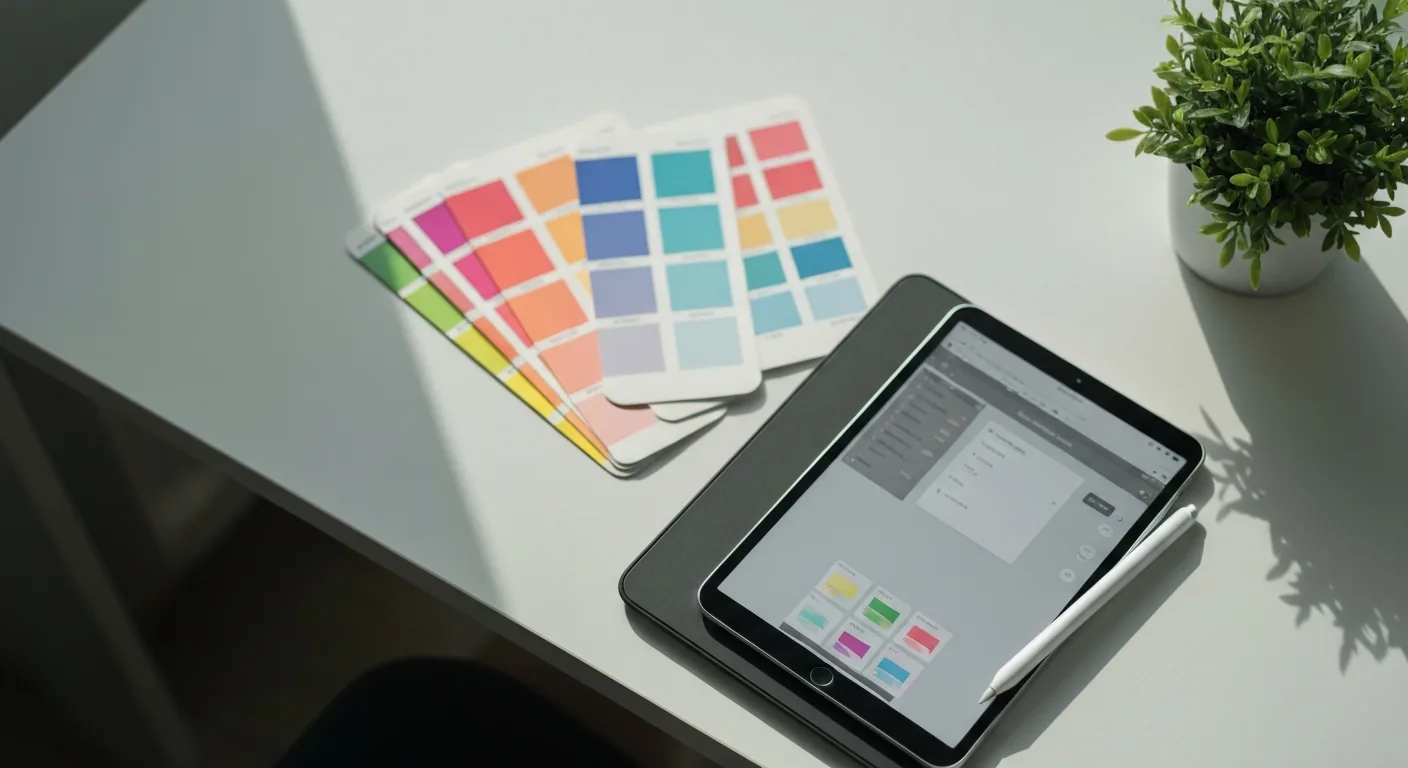
UX design is one of the most portfolio-driven fields there is: employers care far more about the work you can show than any certificate. The clever thing about the Google UX Design Certificate is that it’s built around producing that portfolio.
What it is
A beginner Professional Certificate on Coursera from Google, designed to take someone with no design background to a job-ready UX portfolio over about six months. It’s paid via subscription, with financial aid available.
What you’ll learn
The certificate walks through the full UX process and the standard toolkit:
- User research — understanding users, empathy, defining problems.
- Wireframing and prototyping — from paper sketches to interactive prototypes.
- Design tools — hands-on with Figma and Adobe XD, the industry standards.
- Usability testing — validating designs with real feedback.
- Three portfolio projects — including a mobile app, a responsive website and a cross-platform experience.
Those three projects are the heart of it. In UX hiring, your portfolio is your application.
Is it worth it?
For a career-changer, the value is clear: you leave with a portfolio, real tool experience, and a recognised credential. That’s a genuine starting position for entry-level UX roles, which is hard to assemble on your own without guidance.
The honest caveat: a certificate alone won’t get you hired. The quality of your portfolio projects carries the weight, so treat those projects as real work, not box-ticking. Go beyond the minimum, polish them, and make them yours.
Who it’s for
- Get it if: you want to move into UX design from scratch and need a structured way to build a first portfolio.
- Look elsewhere if: you already have design experience and want advanced or specialised training rather than fundamentals.
Access note
Hosted on Coursera, reachable in most regions. Some design tools and Google-hosted materials may not load in mainland China; a VPN connected to another country restores access — see the picks below.
Verdict
The Google UX Design Certificate is one of the better beginner routes into UX precisely because it’s portfolio-first. Follow it seriously — treating the three projects as real work — and you finish with the thing UX employers actually want to see. Affordable, practical, and a credible start.
How to access this course from a restricted region
If the platform is blocked or limited where you are, a VPN connected to another country restores access. These are the two we recommend for learners — see the full ranking.
ZoogVPN
Best value for studentsBest value for online learners
ZoogVPN is the pick for students on a budget: plans start at just $1.87/month and a single account covers unlimited devices — laptop, phone and tablet all at once. Built-in obfuscation keeps connections stable on restrictive campus and public networks, and it reliably reaches Coursera, edX, YouTube lectures and AI study tools from abroad. With unlimited bandwidth and no speed caps, it is the most cost-effective way to keep your coursework online wherever you are.
Pros
- ✓Cheapest of our picks — long-term plans from $1.87/mo
- ✓Unlimited simultaneous devices on one account
- ✓Reliable access to Coursera, edX and YouTube lectures abroad
- ✓Unlimited bandwidth, no speed caps
- ✓Full native Linux command-line client
Cons
- ✕Smaller server network than the biggest brands
- ✕Lower brand recognition
Specs from ZoogVPN’s published plans, checked May 2026
7-day money-back · Unlimited · from $1.87/mo
NordVPN
Fastest for streaming lecturesFastest for streaming lectures
NordVPN runs one of the largest networks in the world — 6,400+ servers across 111 countries — so you always have a fast nearby node, even during peak study hours. Its NordLynx protocol leads the pack on speed, making HD lecture streaming and live video classes smooth. An independently audited no-logs policy, Threat Protection and a native Linux CLI round out a package that suits power users who want the fastest possible access to course platforms from anywhere.
Pros
- ✓NordLynx protocol is extremely fast — 4K lectures with no buffering
- ✓6,400+ servers means no crowding at peak times
- ✓Independently audited no-logs policy
- ✓Threat Protection blocks trackers and malicious sites
- ✓30-day money-back guarantee — risk-free to try
Cons
- ✕Monthly plan is pricier than budget picks
- ✕More features than a casual user needs
Specs from NordVPN’s published plans, checked May 2026
30-day money-back · 10 devices · from $3.39/mo
Frequently asked questions
Is the Google UX Design Certificate worth it?+
What tools does it teach?+
Do I need design experience to start?+
Will it get me a UX job?+
Related reading
Course details reflect information published on the provider’s official page and can change; check the source for the latest. Some VPN links are affiliate links — see our affiliate disclosure.